
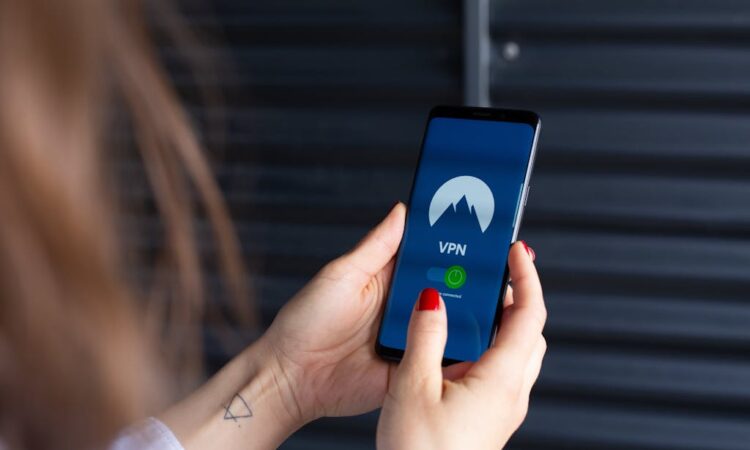
In today’s digital age, smartphones are an essential part of our lives, acting as our personal assistants, sources of entertainment, and communication hubs. However, with the convenience they provide, there’s an increasing risk to our personal information. Protecting your privacy is essential to ensure your data remains secure and doesn’t fall into the wrong hands. This article will provide practical tips on how to safeguard your privacy when you get a new smartphone.
Update Your Software Regularly
One of the simplest yet most effective ways to protect your privacy is by keeping your smartphone’s software up to date. Manufacturers frequently release updates that fix security vulnerabilities and bugs. By ensuring your phone is running the latest version of its operating system, you protect it against newer threats that cybercriminals might exploit.
Use Strong Passwords and Biometrics
Setting a strong password is a basic but crucial step in securing your smartphone. Avoid using easily guessable passwords such as “123456” or “password.” Instead, create complex passwords that combine numbers, symbols, and both uppercase and lowercase letters. Additionally, take advantage of your smartphone’s biometric options like fingerprint or facial recognition to add an extra layer of security.
Be Cautious With Apps
Before installing any app on your smartphone, ensure it’s from a reputable source. Check the number of downloads, read reviews, and verify permissions requested by the app. Some apps request access to unnecessary data, like your contacts or location, which can compromise your privacy. Only give permissions that are essential for the app’s functionality.
Manage Your Privacy Settings
Your smartphone has built-in privacy settings designed to protect your data. Spend some time going through these settings to customize them according to your needs. Disable location services when they’re not necessary and restrict background data usage for apps that don’t need it. This will not only enhance your privacy but also improve your battery life.
Encrypt Your Data
Encryption is a powerful way to protect your personal information. Most modern smartphones offer data encryption, which ensures that even if someone gains physical access to your device, they’ll find it challenging to retrieve your personal data without the proper credentials. Enable encryption in your phone’s security settings.
Be Wary of Public Wi-Fi
Public Wi-Fi networks are convenient but often unsecured, making them a hotspot for cybercriminals. If you must use public Wi-Fi, avoid accessing sensitive information such as online banking or shopping. Consider using a Virtual Private Network (VPN) to encrypt your internet connection and keep your data safe from prying eyes when using these networks.
Regularly Back Up Your Data
Backing up your data might not seem directly related to privacy, but it’s an essential component of digital security. Regular backups ensure that you don’t lose important information if your phone gets lost or stolen. You can use cloud services or an external hard drive to keep secure copies of your data.
By following these guidelines, you can significantly reduce the risks to your privacy on your new smartphone. Taking proactive steps to secure your device helps protect your personal information and ensures that your digital life remains private and safe.